

Photographers and filmmakers
Invoice templates for photographers and filmmakers.
10 invoice templates that look like your work: film strips with sprocket holes, a darkroom glow, a full-bleed magazine cover, a ticket with a tear-off stub. The first 3 come with Pro, all 10 with Ultra.
All templates
Photographers and filmmakers: 10 templates
3 on Pro · 7 on Ultra
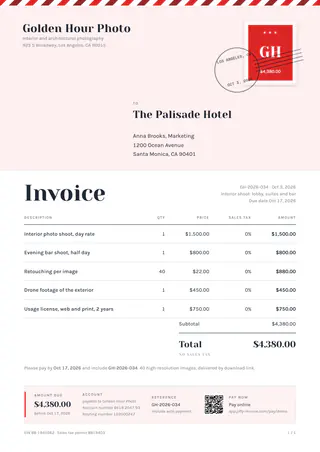
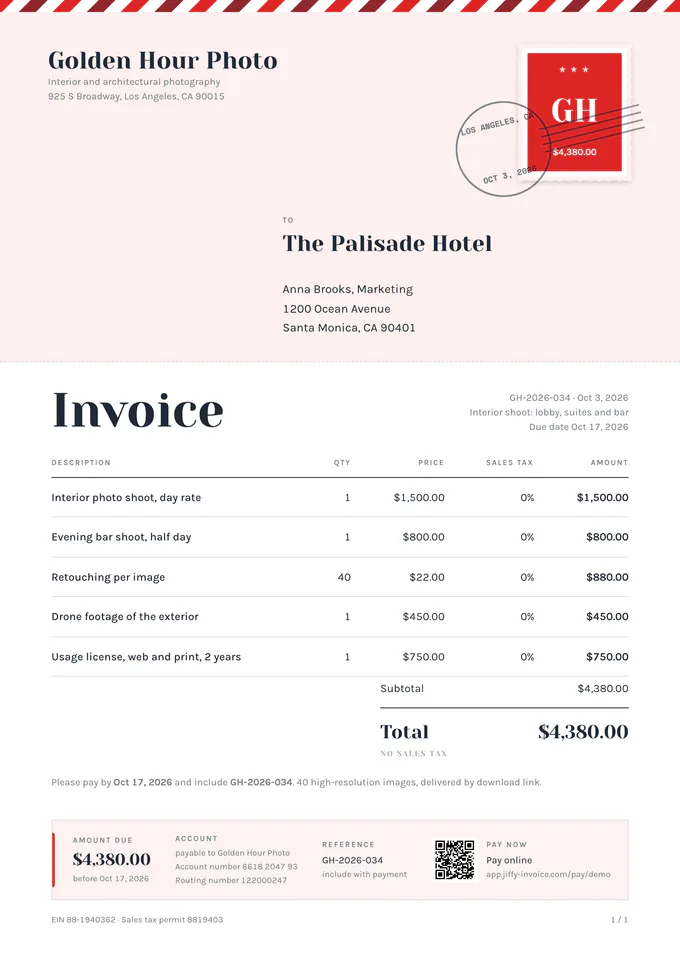
The top is an envelope, with an airmail border, a stamp and a postmark.Pro and Ultra 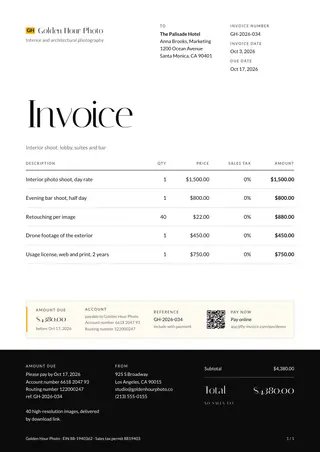
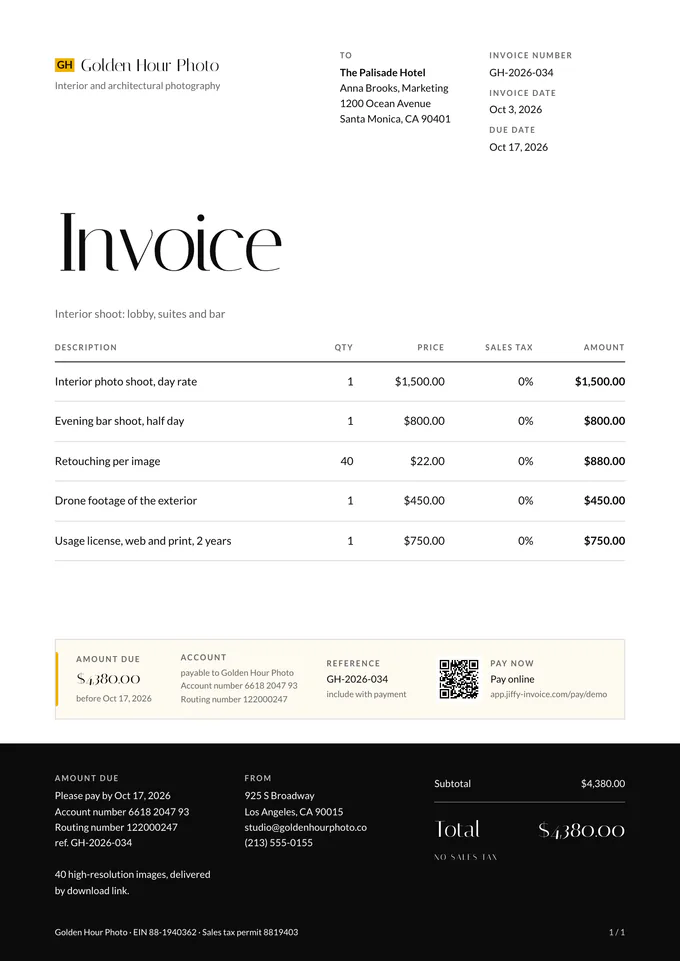
A large title on top and a dark footer band with the total, payment and contact.Pro and Ultra 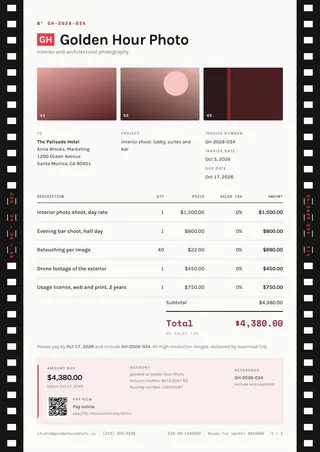
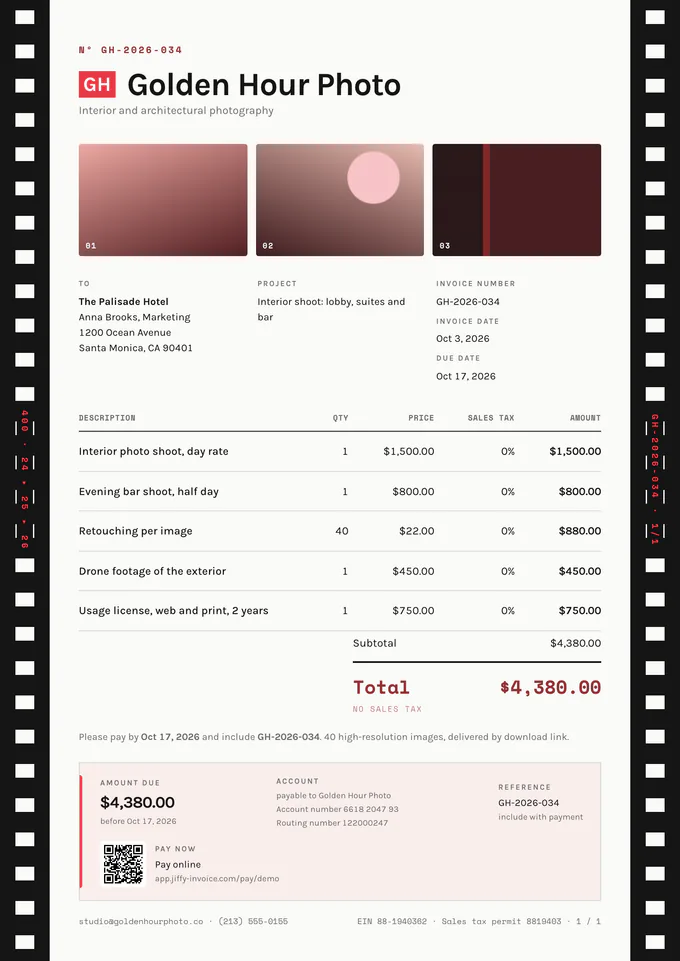
Film strips with sprocket holes along the edges and three small frames from the shoot on top.Pro and Ultra 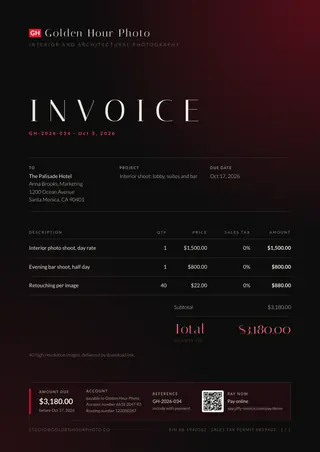
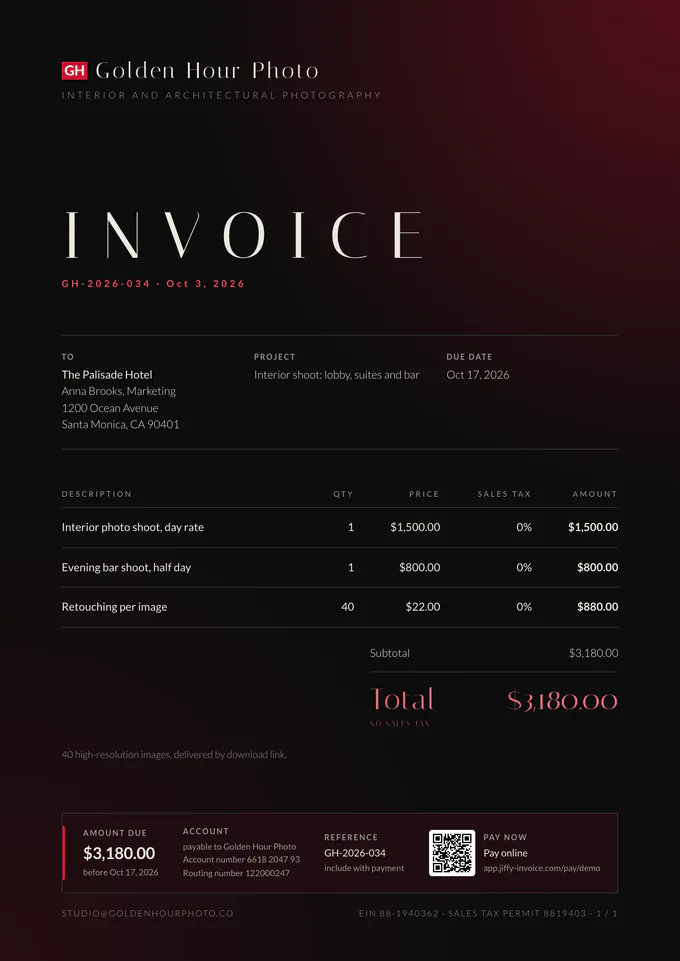
A dark sheet with a warm glow in the corner, like a darkroom safelight. Also works on light paper.Ultra only 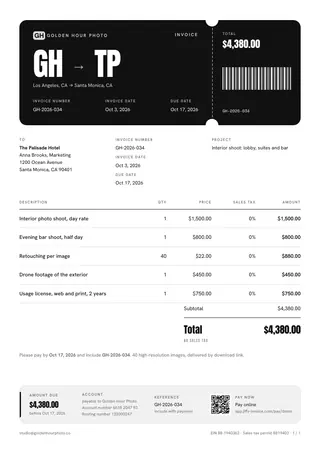
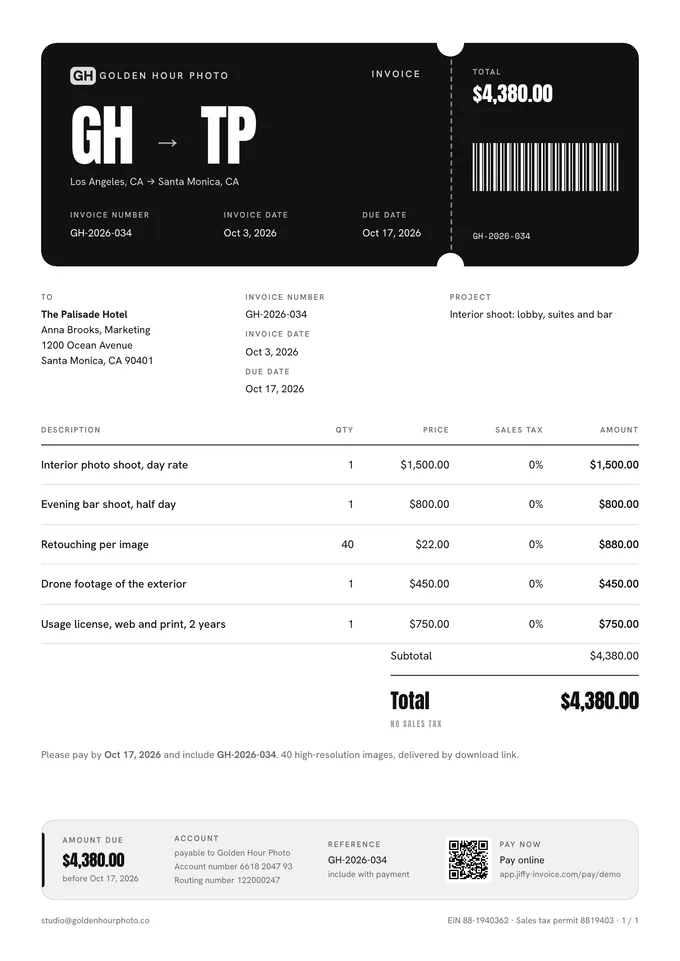
A ticket with a tear-off stub and a barcode, from your initials to your client’s.Ultra only 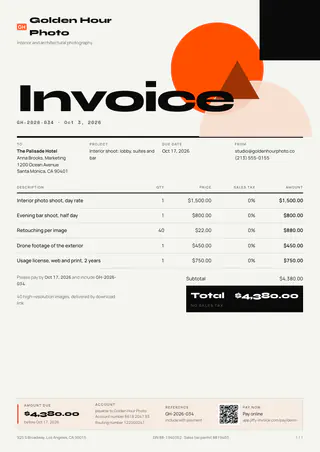
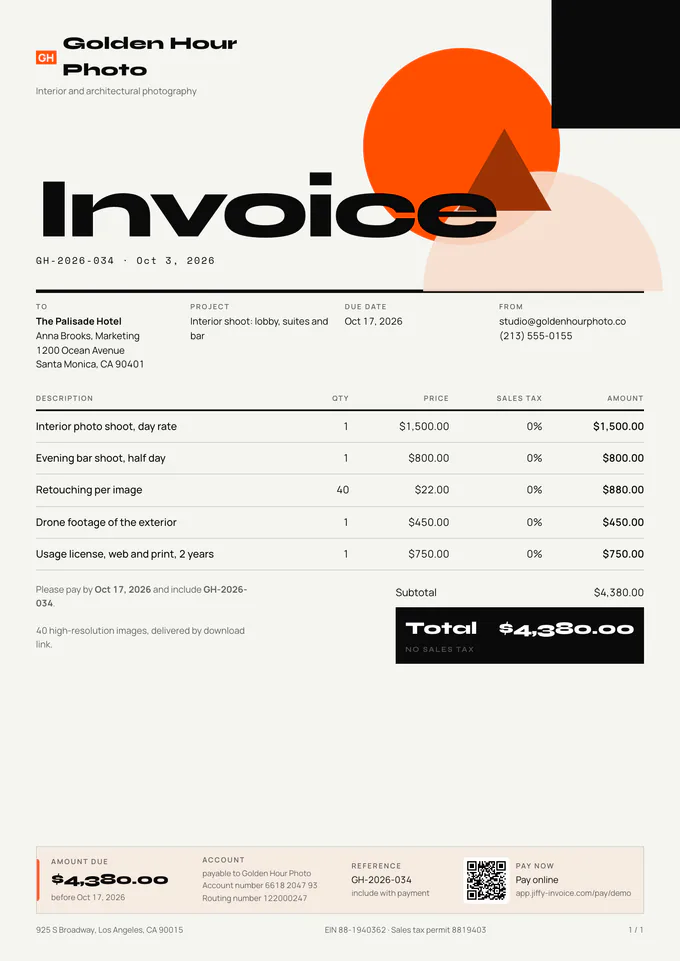
Geometric shapes in a Bauhaus composition, with the total in a dark block.Ultra only 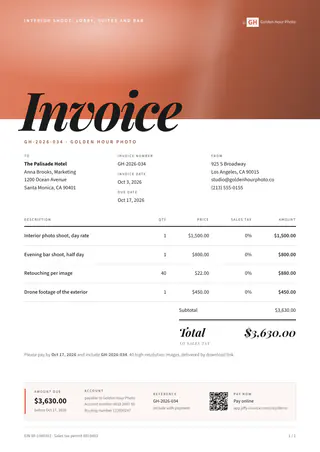
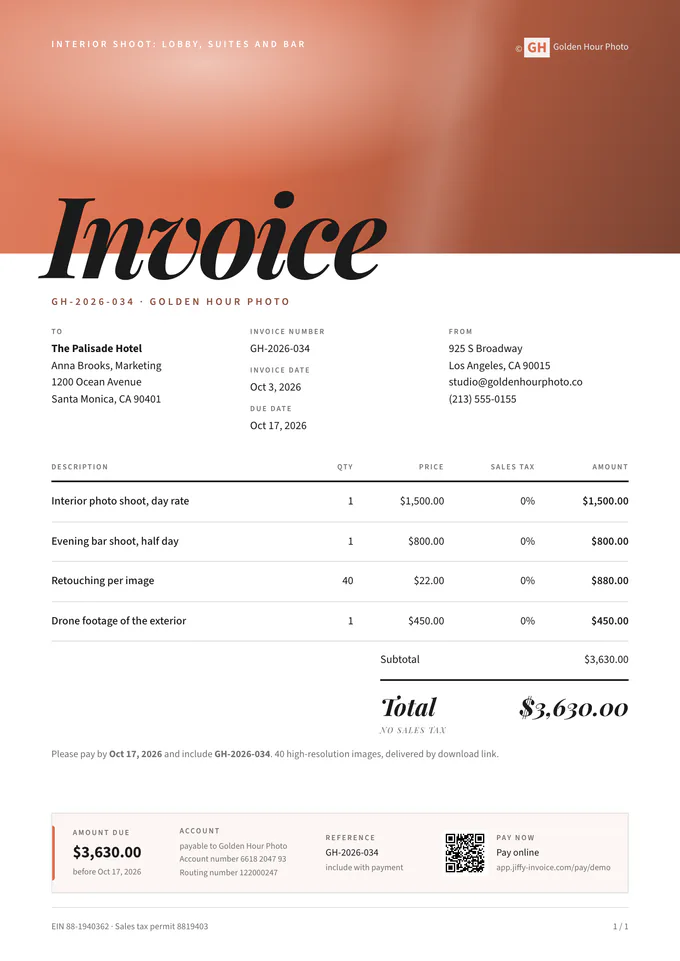
A full-bleed photo on top with an italic title spilling over its edge. A magazine cover as an invoice.Ultra only 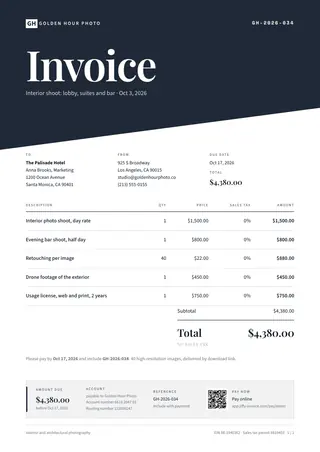
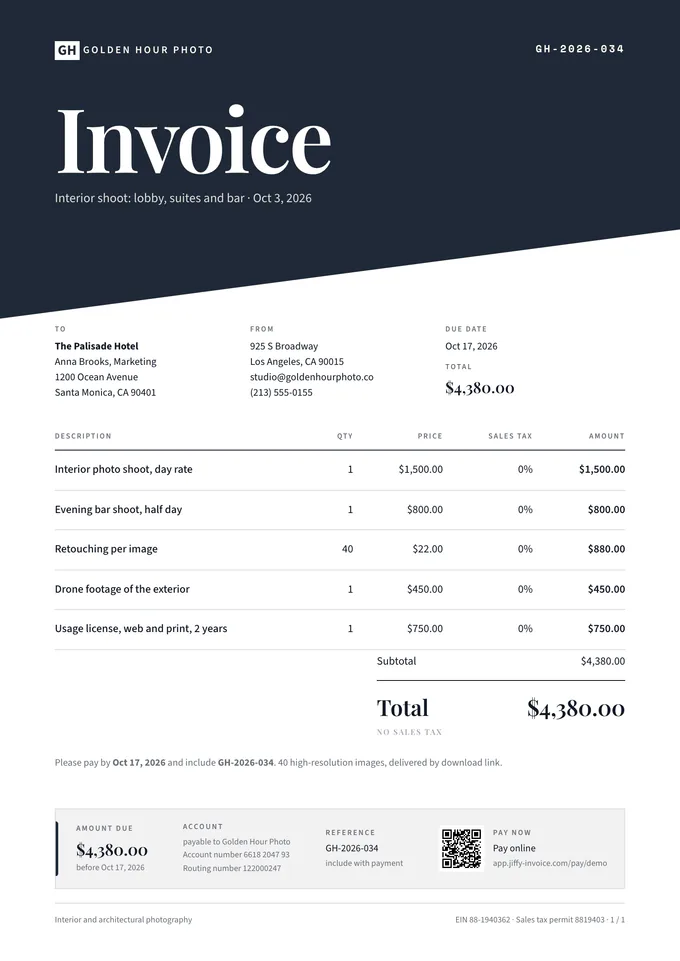
A diagonally cut block of colour with a huge title, like a book cover.Ultra only 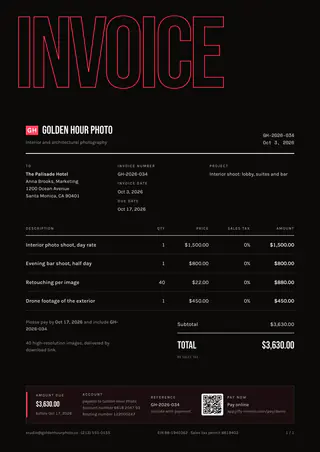
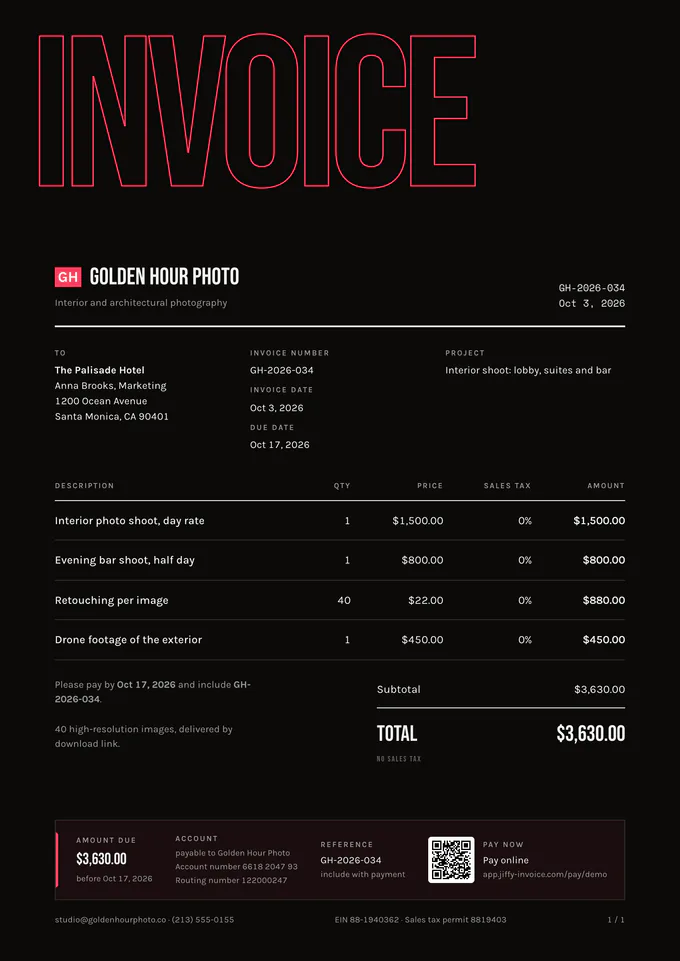
A giant outlined word runs off the page. Graphic and bold.Ultra only 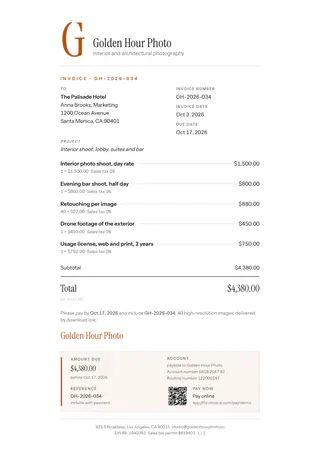
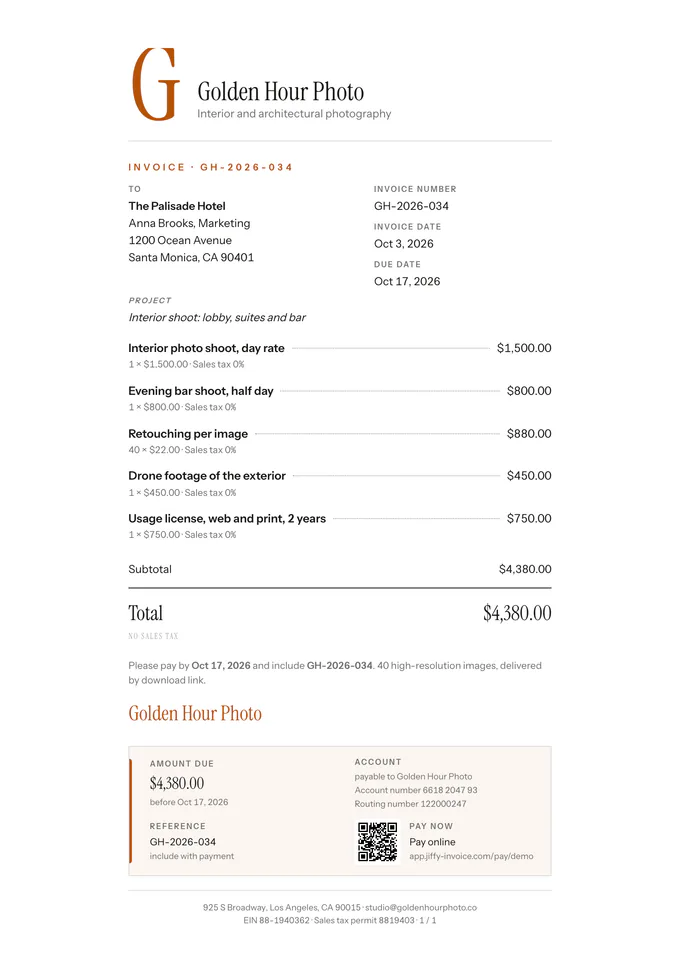
A narrow column like a personal letter, with a large initial and the lines as a list.Ultra only
On the invoice
What a photographer usually puts on an invoice
A shoot is more than hours. Spell it out so your client sees what they pay for:
- The shoot date, the location and the kind of session.
- Shooting time and editing time, or one package price.
- The number of edited photos, or the length of the final video.
- Travel, prints, albums or extra edits on separate lines.
- How the client may use the images, if you agreed on that.
- The deposit paid to book the date, and what is still due.
Choosing
Choosing a template for your shoots
For weddings and portraits, the envelope with an airmail border or the narrow letter column feels personal. For commercial work, the clean layout with a dark footer band keeps it businesslike. The film strip template has sprocket holes along the edges and three small frames on top; the darkroom one glows like a safelight.
More for photographers: the invoice app for photographers, and a payment link so clients pay by card or Apple Pay on Pro and Ultra.
Fill one in
Free invoice templates by trade
Pick your trade for an invoice with the usual lines already in: edit it online and save a PDF, no account.
Keep looking
Other trades
FAQ
Good questions.
Which photography templates come with Pro?
The first 3: the envelope with an airmail border, the layout with a dark footer band and the film strips. The other 7 need Ultra.
Can I ask for a deposit to book the date?
Yes, on every plan. Add a deposit to the quote: your client sees it before they sign and pays it right after.
Do clients need an account to pay?
No. They open the link, see the invoice and pay. Card and Apple Pay come with Pro and Ultra; on Free your client pays by bank transfer with your details on the invoice.
Not here? Email us: [email protected]
Get paid for the shoot, not the paperwork.
Free stays free, with 3 invoices a month. Pro from $2.67 a week, excl. tax.