

Photographers
The invoice app for photographers: hold the date, bill the balance.
A shoot gets paid in pieces. A booking fee to hold the date, the balance before the gallery goes out, sometimes a print order after. Track that in a spreadsheet and sooner or later someone pays twice, or not at all. Jiffy keeps the whole schedule on one quote.
A quote that holds the date
The moment a couple or a brand says yes, lock it in before they keep shopping around.
- Send your package as a quote: per session, per day or per hour, plus extras like a second shooter or an album.
- Set a booking fee as a deposit, a percentage or a fixed amount, due when the client accepts.
- They sign on their phone and pay the fee right away, by card or Apple Pay on Pro and Ultra, or by bank transfer.
Invoice 2026-0042 for Juniper Bakery
$1,350.00
Due Oct 16, 2026
Menu design$950.00
Printing × 50$300.00
Sales tax$100.00
Choose how to pay
Or transfer to account 000123456789 (routing 123456780), ref. 2026-0042
The balance, due before delivery
Add installments after the booking fee, each with its own date: one a month before the wedding, the rest before the gallery goes out. When you turn the signed quote into an invoice, the schedule moves along and the fee that was paid comes off.
The payment page always asks for what is due now, never more, and offers to pay it all at once. On Pro, automatic reminders ask for the same amount when a date slips.
Clients in other countries
Shooting a destination wedding or a brand abroad? Set the client’s language once and the invoice, the emails and the payment page all speak it, in any of 100 languages. Bill in their currency, or in yours: every currency is there, and your reports convert it back for you.
An invoice that looks like your portfolio
Your clients hired you for your eye, so the invoice should not look like a utility bill. Start from a photography template and on Pro set your own logo, colors and fonts. Want something nobody else has? Describe it and let AI design a template for you; that runs on credits. See the AI tools.
Photography templates
Templates made for photographers and filmmakers.
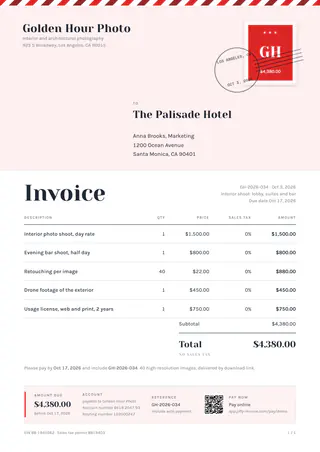
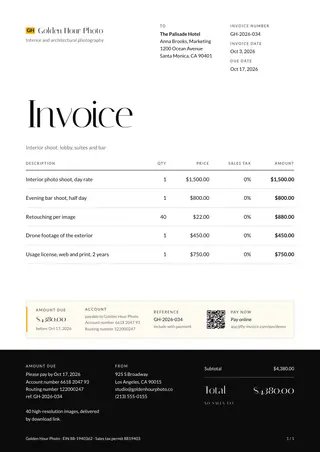
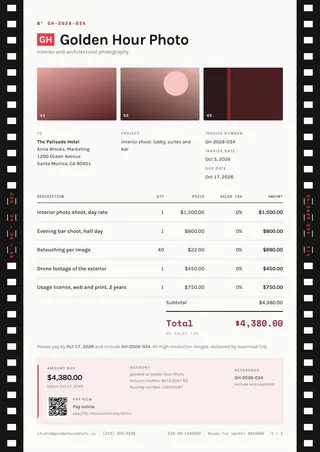
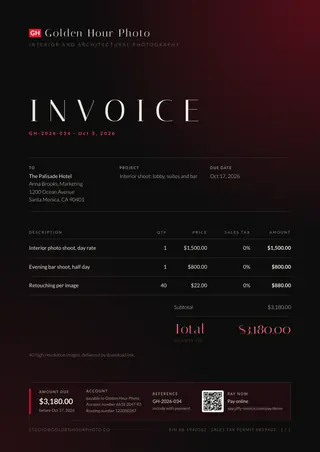
Ten templates with film strips, a darkroom glow or a magazine cover on top. Three come with Pro, all ten with Ultra.
The features behind it
Read more about the features
Fill one in
Free invoice templates by trade
Pick your trade for an invoice with the usual lines already in: edit it online and save a PDF, no account.
Other trades
Jiffy for other trades
FAQ
Good questions.
Can I take a booking fee to hold a date?
Yes, on every plan. Add a deposit to the quote and the client pays it right after they sign. On Pro and Ultra they can pay by card or Apple Pay.
Can a client pay the rest in installments?
Yes. Add up to 11 installments after the deposit, each with its own date. The payment page asks for what is due now and offers to pay everything at once.
Can I invoice a client abroad in their currency?
Yes. Pick any currency per invoice and set the client’s language once. The invoice, the emails and the payment page follow it.
Does my client need an account to sign or pay?
No. They open the link in any browser, sign on the screen and pay. No app, no account, no password.
Not here? Email us: [email protected]
Book the date. Get the balance.
Start free with quotes, e-signatures and booking fees. Free has no end date.