

Cleaners
The invoice app for cleaners with a week full of regulars.
Cleaning money arrives in small amounts from a lot of people: the Tuesday house, the dental office every Friday, the move-out deep clean. Each invoice is easy to write and just as easy to forget. Jiffy keeps the regulars billing themselves and nudges the ones who forget to pay.
Regular clients bill themselves
Set up each regular once with a recurring invoice on Ultra, and Jiffy sends it on the day you choose.
- Every week, every 2 weeks or every month, on the same day, on the 1st or on the last day of the month.
- Sent straight to the client, or ready as a draft so you can add the extra oven clean first.
- Client away for a month? Pause the series. When you resume, the skipped visits are not billed.

One-off cleans, invoiced before you pack up
Save your services once, by the hour or at a fixed price per job. A move-out clean or a post-construction job is then three taps away from an invoice. For a bigger job, send an estimate the client signs on their phone before you book the crew.
Already paid on the spot? Save the invoice as paid and send it as a receipt. It goes into your books like any other invoice, with no payment link and no reminders.
Homeowners who simply forget
Most late payers are not refusing, they just forgot. On every plan you can remind one client from the invoice or every late client at once. On Pro, automatic reminders follow a schedule you set, each with a payment link for card or Apple Pay.
Mark a household as a private person and Jiffy charges them no late fees unless you allow it for that client. Rules for fees to consumers differ per state, so check yours.
A crew, not just you
Invite your team to work in the same company: Pro has room for 3 people, Ultra has no limit. Every client card shows what they were invoiced, what is still open and how many days they usually take to pay, so you know who to call first.
Simple templates
Clean invoices for a cleaning business.
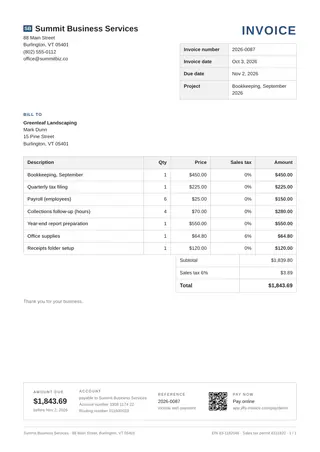
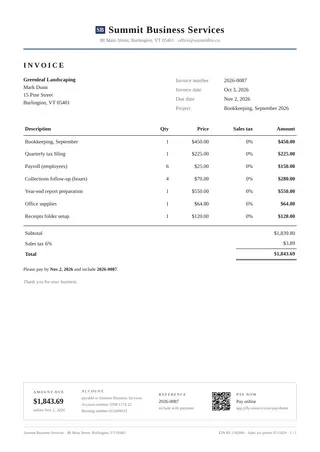
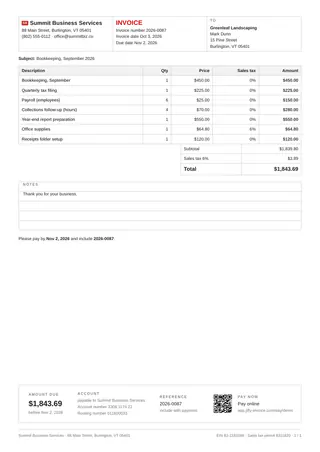
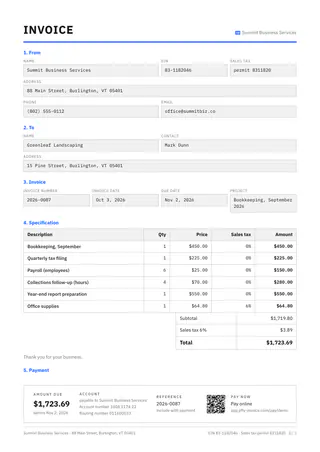
Ten plain, business-like templates: a ruled table, a worksheet grid, zebra rows. All ten are included in Free.
The features behind it
Read more about the features
Fill one in
Free invoice templates by trade
Pick your trade for an invoice with the usual lines already in: edit it online and save a PDF, no account.
Other trades
Jiffy for other trades
FAQ
Good questions.
Can Jiffy invoice my weekly clients automatically?
Yes, with recurring invoices on Ultra. Choose how often and on which day, and Jiffy sends each invoice with a fresh number and date, or prepares it as a draft for you to check.
What if a client skips a few weeks?
Pause their series. When you resume, Jiffy continues from the next date and does not bill the weeks you skipped.
Can I give a receipt when a client pays on the spot?
Yes. Save the invoice as already paid and send it to the client. They get it as a receipt, and you see it as paid in your overview.
Which templates are free?
The ten simple templates and the three general ones are all included in Free. Pro adds three templates per trade and lets you change colors and fonts.
Not here? Email us: [email protected]
Clean the house. Jiffy sends the bill.
Start free with 3 invoices a month, then try Ultra free for 7 days to put your regulars on autopilot.